# Introduction
Kivo is an Astro and Tailwind CSS theme for developer-facing SaaS products: cloud platforms, APIs, AI products, analytics tools, and dev tools. It ships about 38 page designs, including 4 homepages, in English, French, and Arabic with full right-to-left support, in light and dark mode.
Kivo comes in three editions: Astro, Tina, and Sanity. The design and pages are the same, and they differ in where your content lives and how you edit it. See [Theme Editions](../../features/editions/).
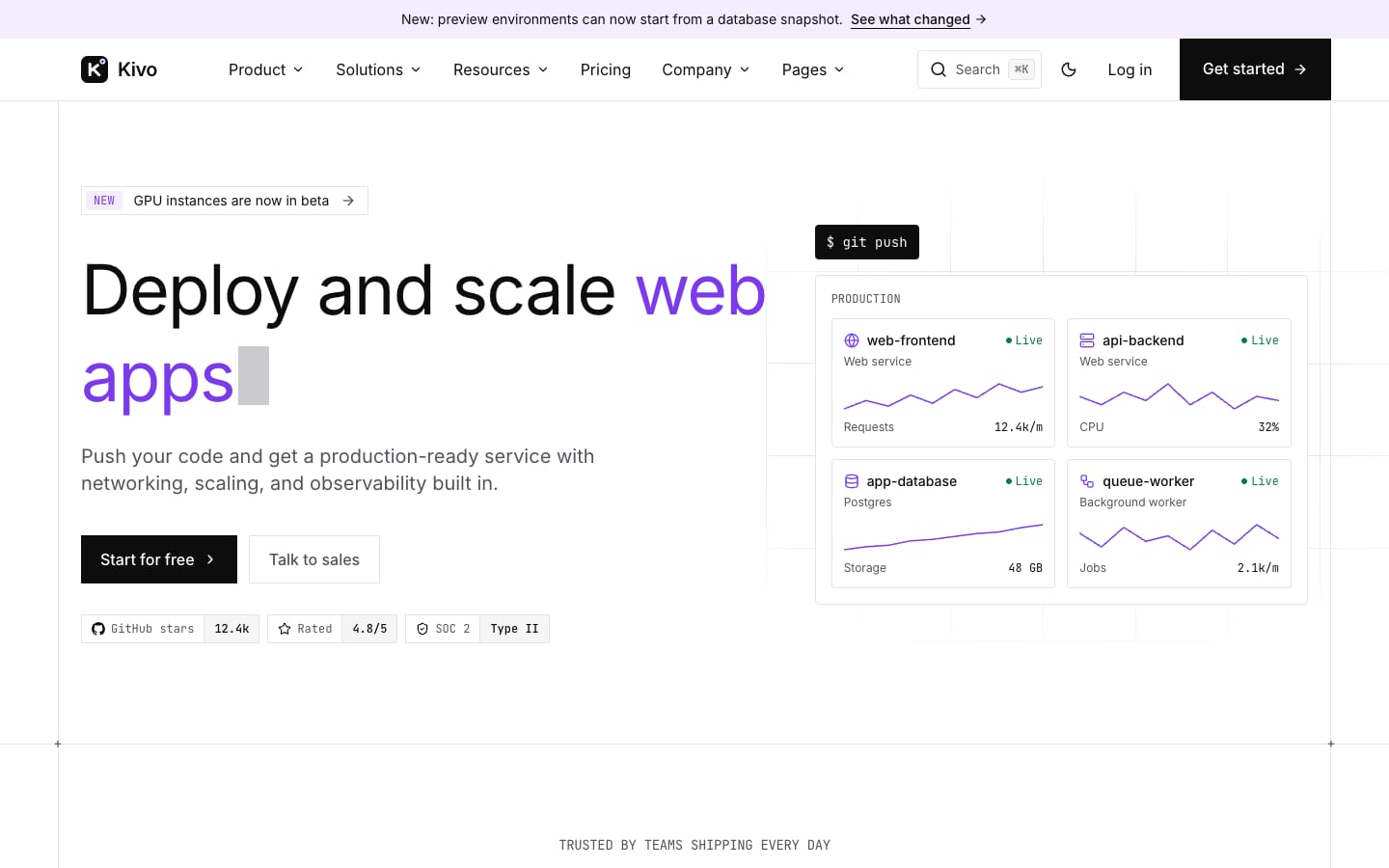
Most changes in Kivo are edits to plain text files, not code: text, images, buttons, menus, and the layout of every section that has more than one. Colors are a few values in one CSS file. When you do want to change code, the theme ships instruction files that tell AI coding tools how it is built.
### What Is Included
- **4 homepages**: developer cloud (`/`), API product (`/home-api/`), AI product (`/home-ai/`), and data or analytics product (`/home-analytics/`)
- **Product pages**: features overview, feature detail pages (with 4 templates: `default`, `api`, `guide`, `showcase`), solutions, integrations directory and detail, pricing with a billing toggle and a comparison table (a usage estimator is available as an optional pricing layout), compare (product vs. alternative)
- **Content**: blog with authors, categories, tags, and RSS; changelog with tags and RSS; a docs landing page that links to your own documentation site
- **Company**: about, team and member pages, careers and job pages, customers and case studies, testimonials wall, community, security and trust, system status (a static sample you edit by hand)
- **Account and legal**: log in, sign up, and password reset screens (design only, with no account system), contact sales, privacy policy, terms, cookie policy, and a 404 page per language
- **52 section components**. 14 of them have more than one layout (46 layouts in total, counting each default), and you switch between them with one line. The page header has 4 layouts of its own
- **Built in**: site search (⌘K), dark mode, three languages with full right-to-left support ([RTL & Arabic](../../features/rtl-arabic/)), smooth scrolling, cookie consent, SEO (sitemap, `robots.txt`, structured data, generated Open Graph images), `llms.txt` and Markdown copies of pages, "Ask AI" links, contact forms (Formsubmit, Formspree, or Netlify Forms), Mailchimp newsletter forms, and code blocks with copy buttons
### Choose Your Path
Every guide in these docs starts with the plain-language task, then shows the exact file and setting. Pick the path that matches how you like to work:
### The Files You Will Edit Most
| What you want to change | Where it lives |
| -------------------------------------------- | -------------------------------------------------- |
| Site name, URL, forms, and global switches | `src/config/config.toml` |
| Header and footer links | `src/config/menu..json`, such as `menu.en.json` |
| Colors, type scale, and breakpoints | `src/styles/theme.css` |
| Fonts | `src/config/fonts.json` |
| Text and images of a section | `src/content/sections/english/` (and `french/`, `arabic/`) |
| Text and section settings of one page | `src/content//english/-index.md` |
| Blog posts, changelog, features, and other lists | `src/content//english/` |
| Button labels and other small interface text | `src/i18n/.json`, such as `en.json` |
#### Links
- [Live Preview](https://kivo-astro.pages.dev/) (the demo turns on the floating "Change layout" button; it is off in your copy)
- [Layout Gallery](https://kivo-astro.pages.dev/elements/): the layouts of 13 sections and the page header (the contact section's `sales` layout is on `/contact/`). In your copy, run `npm run dev` and open `http://localhost:4321/elements/`
- [Support](https://getastrothemes.com/contact/)