# Introduction
Ecozen is an Astro and Tailwind CSS theme for solar installers and renewable energy companies: rooftop solar, battery storage, EV charging, and maintenance businesses. It ships about 22 page designs, including 4 homepages, in English, French, and Arabic, with full right-to-left support.
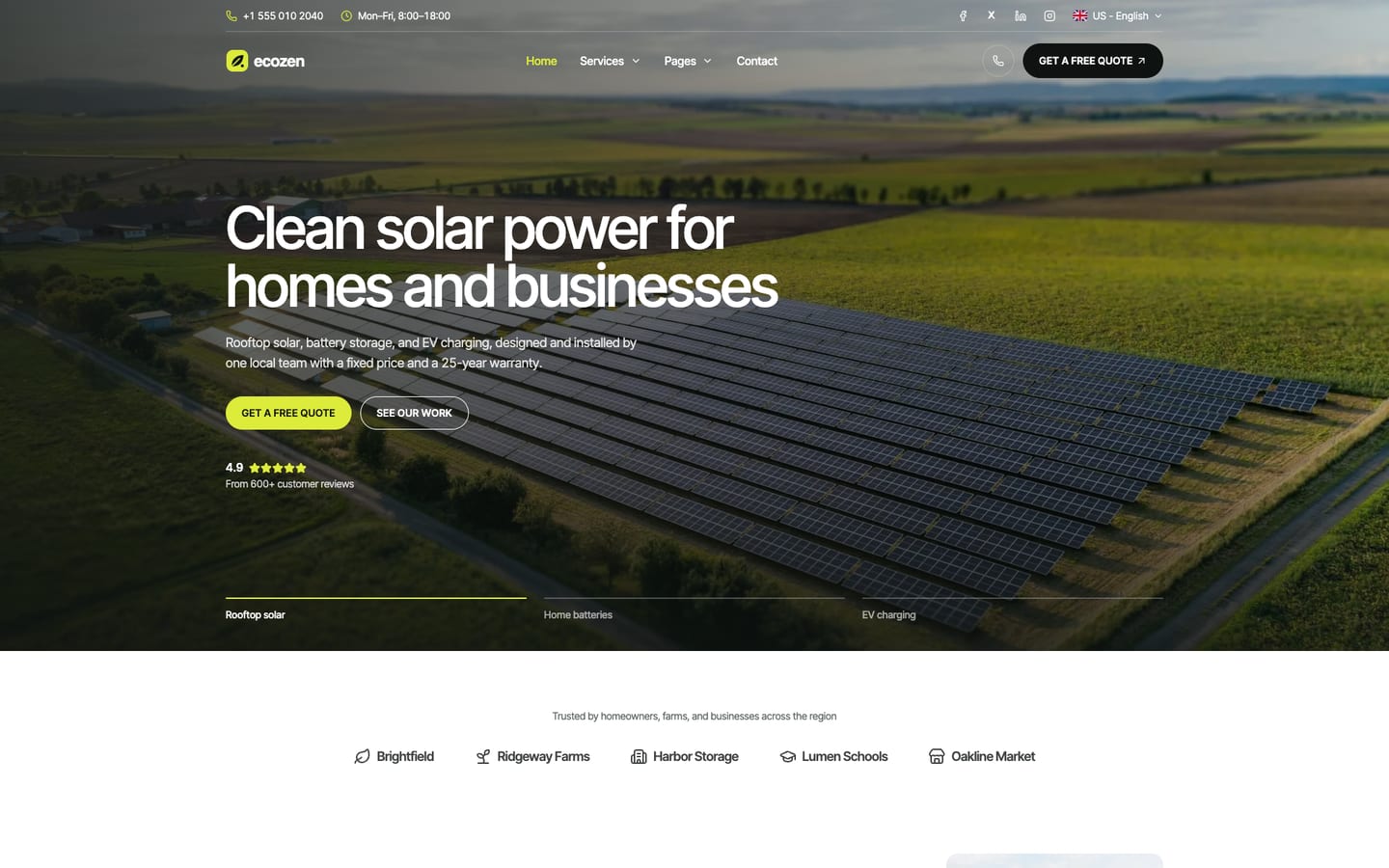
Most changes in Ecozen are edits to plain text files, not code: text, images, buttons, menus, prices, calculator assumptions, form fields, and the layout of every section that has more than one. Colors are a few values in one CSS file. When you do want to change code, the theme ships instruction files that tell AI coding tools how it is built.
Ecozen comes in three editions: Astro, Tina, and Sanity. These docs show the files of the Astro edition. See [Editions](../../features/editions/) to compare them.
### What Is Included
- **4 homepages**: residential solar (`/`), commercial and farm solar (`/home-two/`), a renewable energy developer for wind, solar parks, and storage (`/home-three/`), and EV charging with home batteries (`/home-four/`)
- **Services**: a services overview and one detail page per service (6 sample services)
- **Projects**: a project grid and case-study pages with system facts and a customer quote
- **Pricing**: fixed-price packages with a **pay upfront / pay monthly** toggle
- **Savings calculator**: a slider that turns a monthly bill into system size, yearly savings, payback time, and CO₂ avoided, from assumptions you edit in one file
- **Quote request**: a **multi-step quote form** on `/contact/` that also works without JavaScript
- **Company**: about, team, careers with job pages, and an FAQ grouped by topic
- **Content**: a blog with categories, tags, pagination, and an RSS feed
- **Legal**: privacy policy, terms, and a 404 page per language
- **32 section components**, including a statement with inline photos, a bento grid, a feature slider, product tabs, a how-it-works timeline, project cards, a service area, a cost comparison table, charging speeds, and a contact band with a short form. The main homepage's hero crossfades between photo slides, with a named tab for each. 9 sections have more than one layout, and you switch with one line
- **Languages**: every page, menu, and label in English, French, and Arabic. The whole layout mirrors on `/ar/` pages. See [RTL & Arabic](../../features/rtl-arabic/)
- **Header and footer**: four header layouts (classic, transparent, floating, and promo with an announcement strip), desktop dropdowns and the mega menu in one shared panel that works by keyboard, and four footer layouts (a dark statement footer with an outlined wordmark, a newsletter sign-up, a photo band with a project list, and a light contact panel with a postcode area check), set site-wide or per page. The `newsletter` and `cta` footers open with a call-to-action band that overlaps the page above. On small screens, a **Menu** button opens a slide-in panel with grouped service links and a call to action
- **Monitoring panel**: a coded mockup of a monitoring app (production, battery, a chart of the day) that you drop into any `.mdx` page with ``
- **Built in**: cookie consent, SEO (sitemap, `robots.txt`, structured data for a local business, services, posts, and job postings, Open Graph tags), `llms.txt` and Markdown copies of pages, "Copy page" and "Ask AI" links on detail pages, an **Ask AI** row in every footer, smooth scrolling, and a quote form that sends to Formsubmit, Formspree, or Netlify Forms, with a `[forms]` warning in the terminal while its address is still a placeholder
### Choose Your Path
Every guide in these docs starts with the plain-language task, then shows the exact file and setting. Pick the path that matches how you like to work:
### The Files You Will Edit Most
| What you want to change | Where it lives |
| ------------------------------------------------ | ------------------------------------------------------ |
| Site name, URL, contact details, forms, switches | `src/config/config.toml` |
| Header and footer links | `src/config/menu..json`, such as `menu.en.json` |
| Colors, type scale, and breakpoints | `src/styles/theme.css` |
| Fonts | `src/config/fonts.json` |
| Text and images of a section | `src/content/sections/english/` (and the other language folders) |
| Text and section settings of one page | `src/content//english/-index.md` |
| Services, projects, careers, blog posts | `src/content//english/` |
| Calculator assumptions | `src/content/sections/english/calculator-section.md` |
| Button labels and other small interface text | `src/i18n/.json`, such as `en.json` |
#### Links
- [Live Preview](https://ecozen-astro.pages.dev/)
- [Support](https://getastrothemes.com/contact/)